How does VRAC turn a random sound into drums?
The idea is simpler than it looks in the demos. You drop a sound into BEATSURFING's VRAC, the plugin scans it for transients, and it carves those moments into kicks, snares, claps and hi-hats that all carry the tonal fingerprint of the source. A gravel crunch, a subway platform, a whispered ASMR clip: whatever goes in, the resulting kit sounds like it belongs to that recording rather than to a stock library.
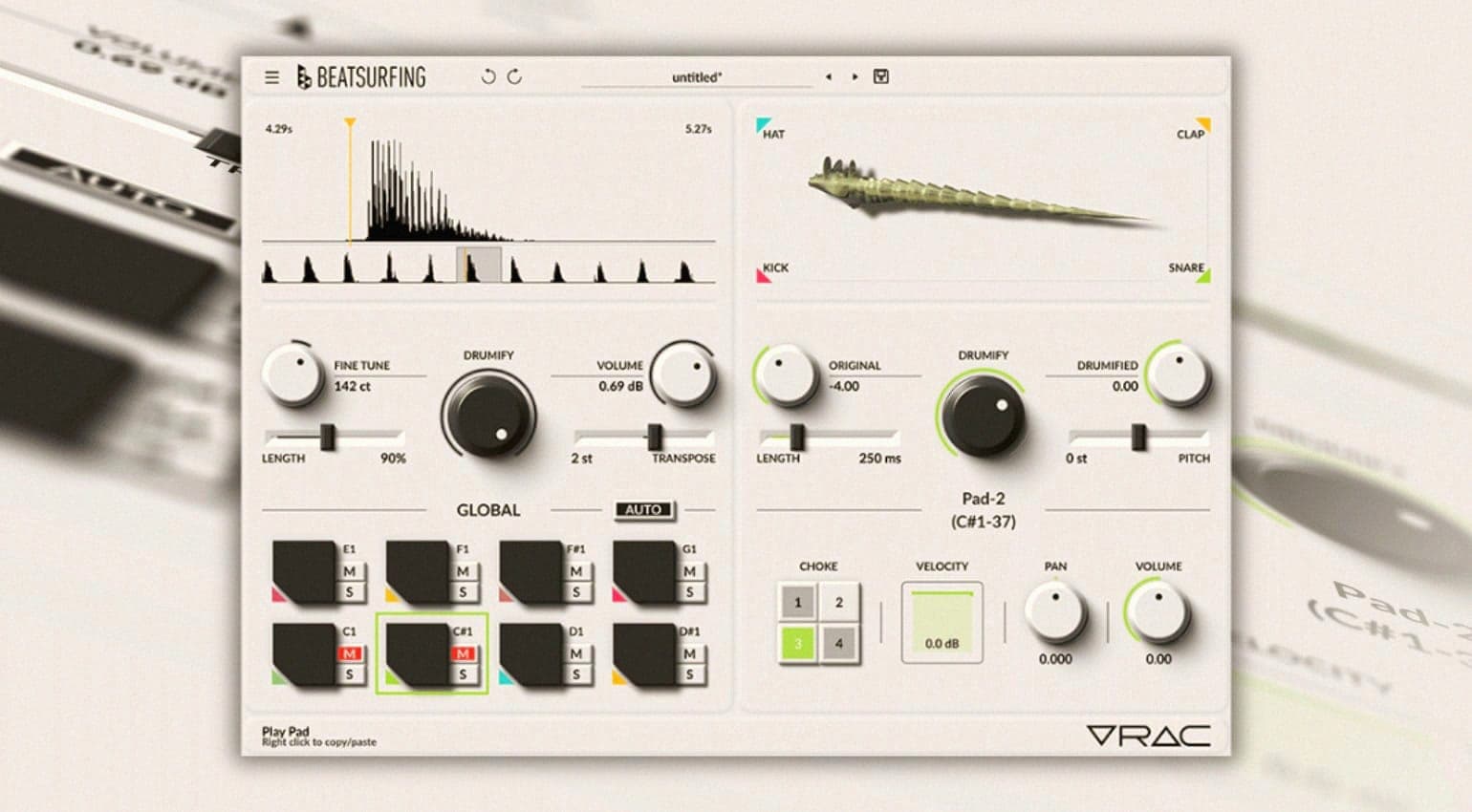
The workflow on your side is short. Load a sound, set the sample start point so each pad grabs the part you want, then assign a drum articulation to each pad. VRAC handles the shaping from there.
What can you actually shape once the kit is built?
More than the one-click hook suggests. There is XY morphing to blend between articulations, so a pad can sit between a snare and a clap and move as you play. On top of that you get global controls that reshape the whole kit at once and individual envelopes for each hit when you want to sculpt a single pad.
The MIDI groove function means you can build a pattern inside VRAC and trigger it there, useful for auditioning a kit before you commit it to your arrangement.
That keeps the sound design and the rhythm sketching in one window instead of bouncing between a sampler and your sequencer.
What is the difference between VRAC and VRAC Pro?
The free version is a full instrument, not a crippled teaser. VRAC Pro, already announced, adds auto-slicing, the ability to record an input directly into the plugin, sixteen pads instead of the free layout, advanced settings and multi-output routing for mixing each drum on its own channel. For most producers the free build is enough to get real results; Pro is aimed at people who want to route and process each hit like a proper drum bus.