What does "on-device" actually mean here?
Ira Rainey didn't build Silverdaw to compete with Ableton or Logic. It's aimed narrower: remixes, mashups, sample-driven sets, the kind of session where you drag in a song, a loop and an acapella and reshape them on a timeline. What makes it worth a second look is the stem separation buried inside that workflow. Pick a track, choose Fast, Balanced or Best, and Silverdaw splits it into vocals, drums, bass and everything else using open RoFormer models it downloads once from Hugging Face, about a gigabyte, then runs entirely on your own CPU or GPU. Nothing gets uploaded. There's no account to create.
"Silverdaw also runs without accounts and does not send your data anywhere."
Why does that land differently right now?
Eleven days after Silverdaw shipped, Munich's Regional Court ruled that Suno had illegally trained its AI models on copyrighted songs represented by GEMA, tracks including Boney M.'s Rasputin and Lou Bega's Mambo No. 5 were, in the judges' words, "reproducibly contained" inside the model, evidence of memorisation rather than analysis. GEMA's CEO Tobias Holzmuller put it bluntly: "AI models based on the theft of intellectual property are not protected by law. AI providers must acquire licenses." Producers have been asking a version of that question about their own work for a while now: when you upload a stem to a cloud separation or mastering tool, what happens to it afterward, and does it become training data for someone else's model down the line? Silverdaw doesn't settle that debate. It just sidesteps it. If the separation never leaves your laptop, the question of where your audio ends up never comes up.
What else do you get for free?
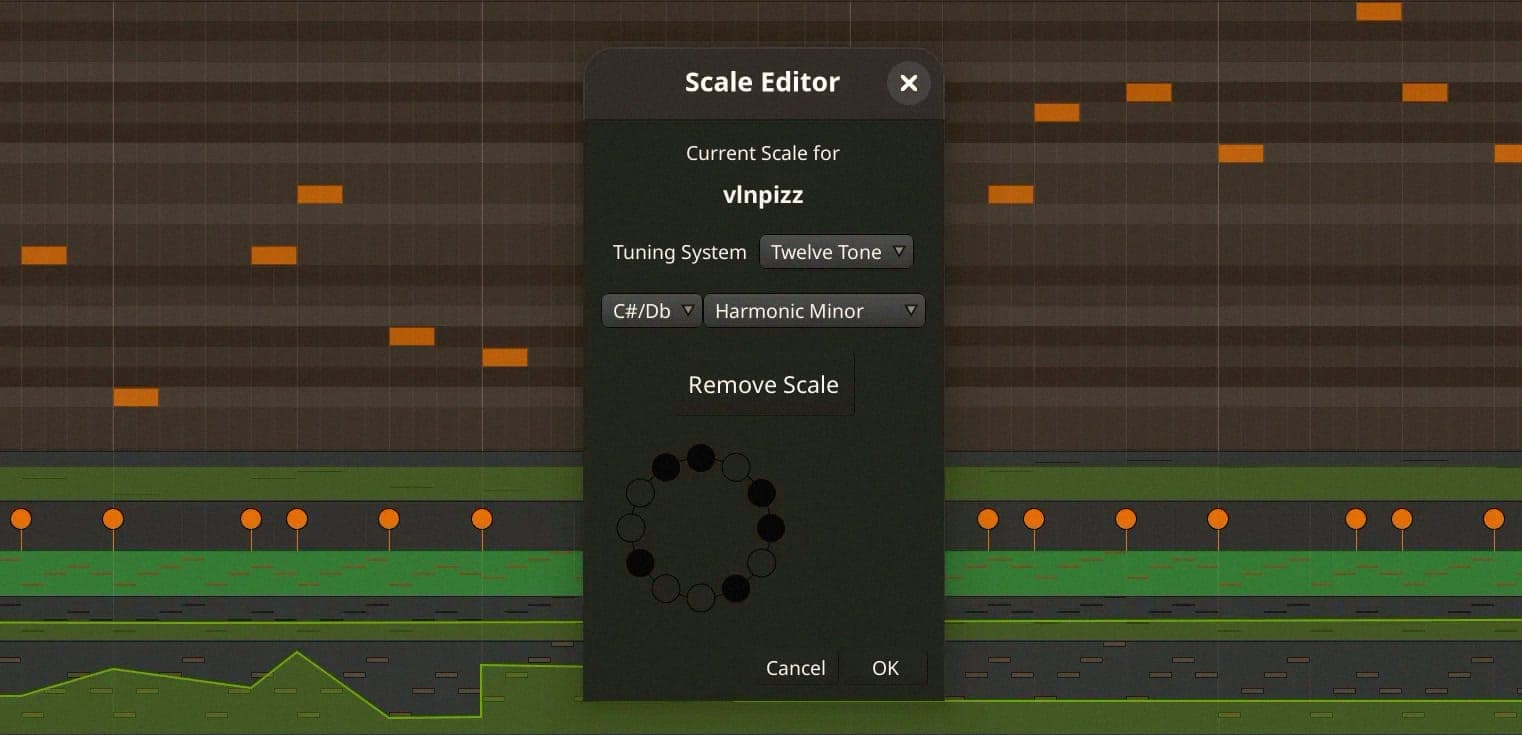
The rest of the feature set is straightforward, working-DAW stuff: automatic tempo, key and beat detection on anything you import, loop slicing to the beat grid or manual markers, non-destructive trims and pitch and tempo changes with full undo, per-track tone and filter controls, sends, automation and master metering, plus MIDI DJ-controller mapping for a vinyl-style scratch workflow. Import covers WAV, AIFF, FLAC, MP3, AAC/M4A and MP4; export covers WAV, FLAC, AIFF and MP3. It's licensed AGPL-3.0, so the code and any derivative work stay open. It shipped as version 1.2.0 on 20 July and has already pushed through to 1.4.2 within two weeks, Rainey iterating in public on GitHub. It's Windows only for now (10 build 1809 or later, or 11, 64-bit), with no VST support and no Mac build yet, both flagged as on the roadmap.