What does the new AI Assistant actually do?
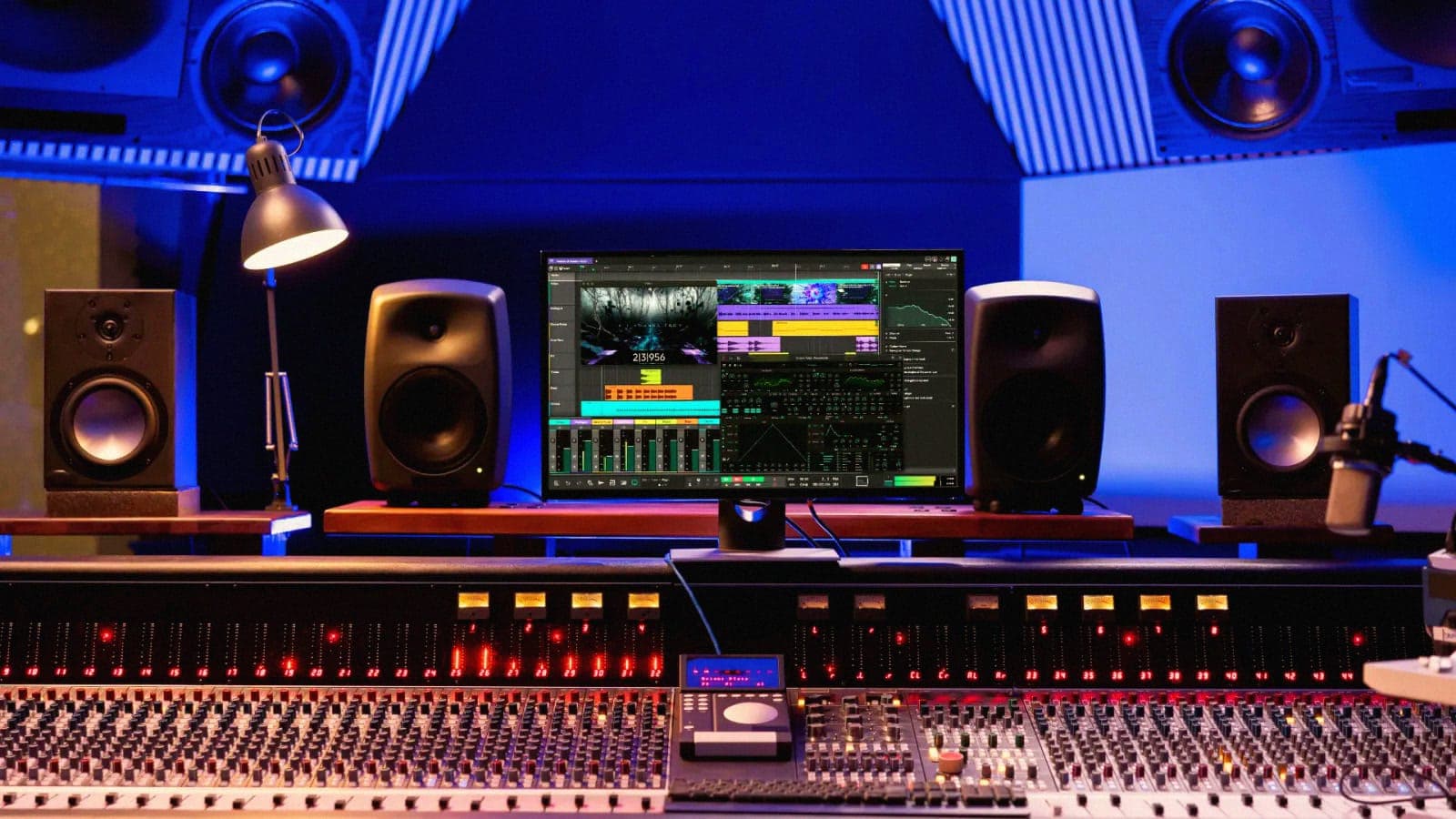
Tracktion shipped Waveform 14 on 27 June, and the headline is the assistant baked into the workflow rather than bolted on as a web app. It does three concrete things. It answers how-do-I questions using the program manual, so the help is about the software in front of you, not generic forum lore. It generates fresh MIDI sequences on request. And it reads the MIDI clips already in your session and proposes complementary parts, a counter-melody under a lead, a bassline that tracks your chords. The rest of the release is solid working-DAW news: a cleaner interface, multi-channel surround routing past the old stereo limit, fuller ARA2 support, DAWproject import and export, and the plugin slot limit lifted to 25.
What is the pay-per-use catch?
This is the part worth reading twice. There is no monthly AI subscription. Instead you connect the large language model of your choice and pay per use, billed for what you actually generate. That is a genuinely different deal from the all-you-can-prompt monthly fees creeping into other tools, and it cuts both ways. Light users pay almost nothing. Anyone leaning on the assistant for hours of generation will watch a meter run. Crucially the same assistant is in Waveform Free, so the cheapest serious DAW on the market now ships with an AI co-pilot, not a paywalled teaser.
An AI helper you pay for by the prompt, sitting inside a DAW that itself costs nothing, is a very different bargain from a flat monthly AI tax.
Should producers care?
If you have been waiting to see how AI lands in the studio without a subscription leash, this is the clearest test yet. The manual-aware answers alone are useful, the kind of thing that saves the twentieth trip to a forum. The MIDI generation is where taste splits: some will treat it as a sketching partner, others will keep the machine well away from the writing. Either way, putting it in the free tier means a lot of people are about to find out which camp they are in.